Skip to product information
Photon

Photon

Cyber deal

Split stems and enhance your audio with 12 custom-trained ML models, running locally on your GPU for a lightning-fast workflow.

Sale price  $129.00 Regular price  $199.00 You save $70.00

Download: available immediately

Prefer to subscribe?

Subscribe and save on Photon for a limited time. Get your first month for $11.97 (reg. $19.00) or your first year for $89.25 (reg. $119.00). New subscribers only. Sold and billed by Boris FX.

Subscribe on borisfx.com

Photon at a glance

What it is Standalone app and ARA2 plugin for AI stem separation and audio enhancement
Models 12 custom-trained machine learning models for demixing and denoising, with new models added through the Model Manager
Processing Runs locally on your GPU. No uploads, no cutoffs, no interruptions
Installation Photon is the first iZotope product to install via the Boris FX Hub, the future installation tool for all iZotope products. Your purchase email will give you all the instructions you need.

System Requirements

Operating Systems

Mac: macOS 14 or later

Windows: Windows 10 or later, 64-bit

CPU

Mac: Apple silicon required — no Intel Macs
Windows: Intel Core i5 (5th Gen or better)

Memory (RAM)

Mac: 16 GB unified memory recommended, 8 GB minimum
Windows: 16 GB recommended, 8 GB minimum

GPU (VRAM)

Mac: Utilizes CoreML - M1 chip or later

Windows: Required, 4 GB VRAM minimum

Disk

10 GB+ free recommended

Plugin format

Mac: ARA2. Pro Tools, REAPER, Cubase, and other ARA2 hosts

Windows: ARA2. Pro Tools, Sequoia, Samplitude, REAPER, Cubase, and other ARA2 hosts

Internet

Required for Model Manager. Contact Support for an offline installer.

Imports

.wav .mp3 .flac .aiff .aif .aac .m4a .mp4 .mkv .mov .mxf .mpg – video included: Photon reads the audio track and can write the processed audio back

Exports

WAV (bit depth follows the source), FLAC, MP3, or video same-as-source with the original video stream kept. ProRes supported; MXF audio is written as 16-bit PCM

Sample rate

Matches the source file. Internal processing rate depends on the model

Minimum file length

0.5 seconds – shorter files are refused with a message

Photon FAQ

What can Photon separate?
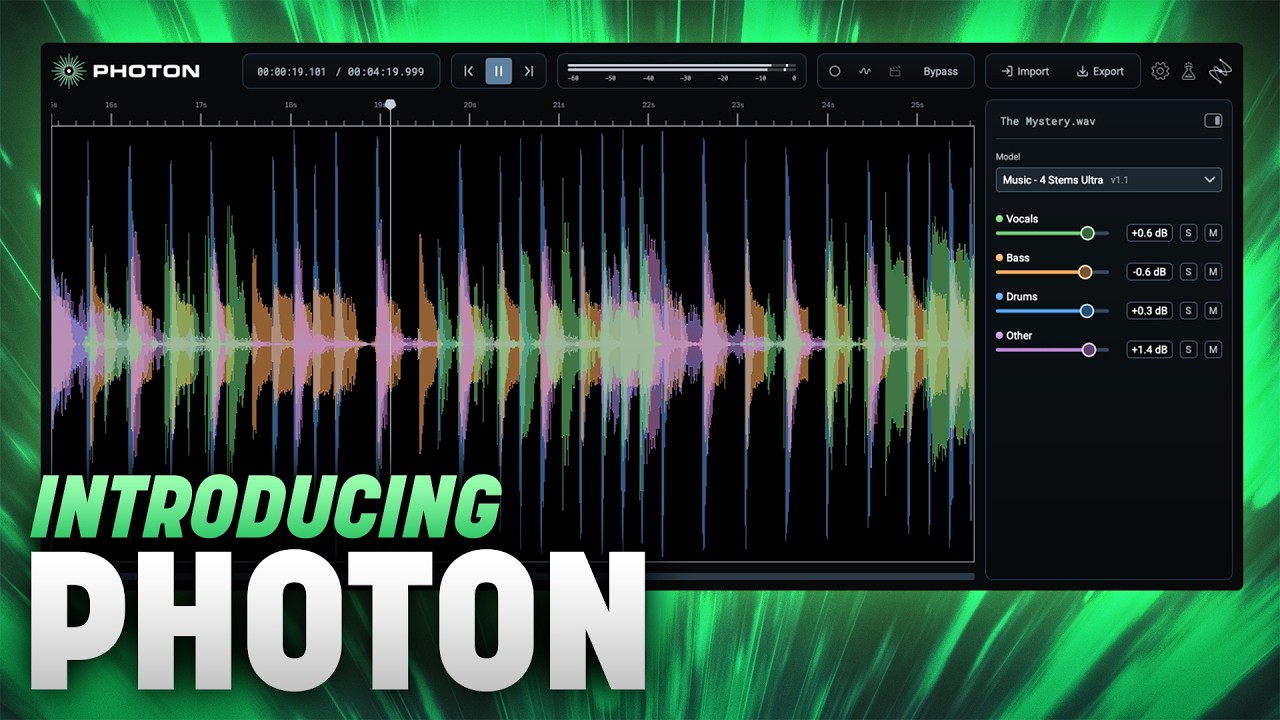
  • Music: 4 stems (vocals, drums, bass, other), plus a higher-quality Ultra version
  • Scenes: 4 stems (dialogue, music, sound effects, other)
  • Drums: 5 stems (kick, snare, hi-hat, toms, cymbals)
  • Voice: up to 6 individual speakers, plus room tone and background noise
  • Cleanup: Voice Restore, Indoor and Outdoor models for speech
What's in the "Other" stem?

Everything that isn't separated into another stem. Many stem separators throw this material away. Photon keeps it so you can use it however you like.

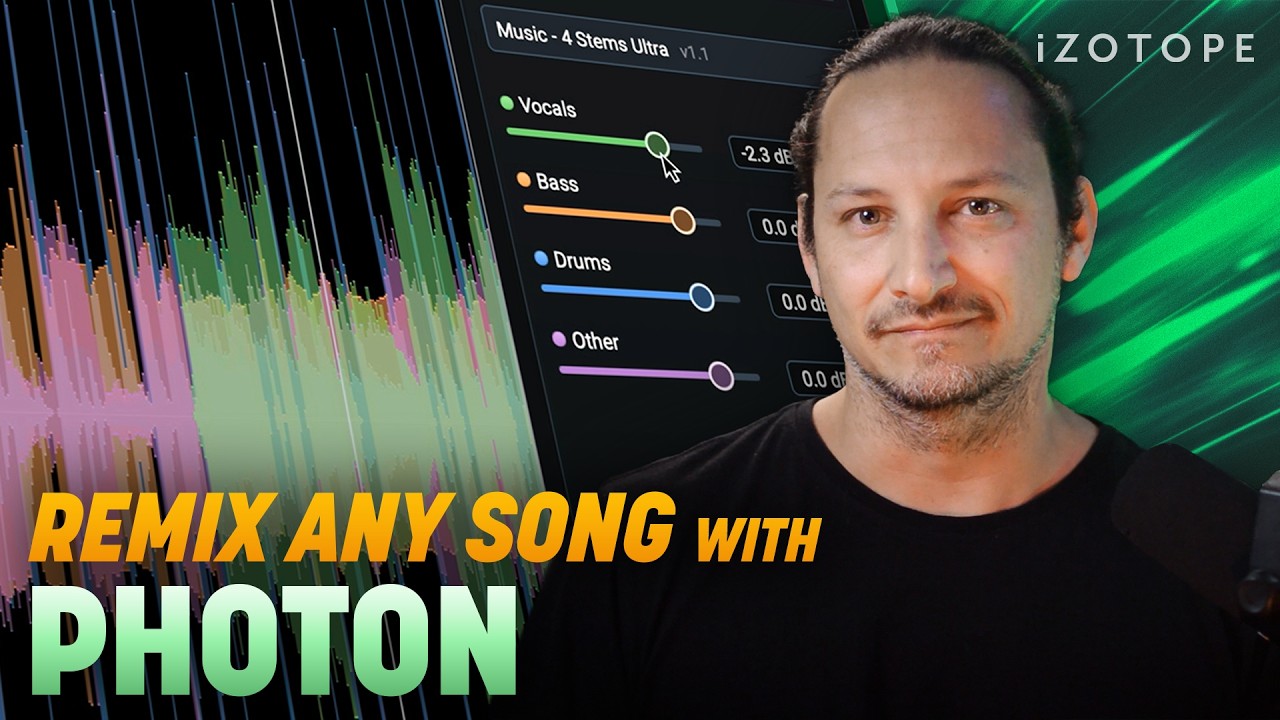
The “Other” slider works as a fine-tuning control: dial it in to add polish to a separation, or pull it forward to bring back context you’d otherwise lose. It also invites experimentation. With everything from the original recording at your fingertips, you’re never limited by what the model decided was worth keeping – so you can use separation in creative, unexpected ways.

Does Photon run locally, or in the cloud?

Everything runs locally on your computer and GPU. Your files never leave your machine, and there are no uploads, queues, or per-file fees.

Which formats does Photon come in?

Photon is available as a standalone app and as an ARA2 plugin for compatible DAWs, with video support built in.

What is ARA, and which DAWs does Photon work in?

ARA (Audio Random Access) lets a plugin see the whole audio clip instead of processing it in real time, so Photon can work with the full context of your file. The Photon ARA plugin works in hosts that have implemented ARA2, like Pro Tools, REAPER, Cubase, and others, plus Sequoia and Samplitude on Windows. And if you don't work in any of these DAWs, you can still use the Photon standalone application on Mac or Windows.

What files types does Photon support?

Photon opens WAV, MP3, FLAC, AIFF, AAC, M4A, MP4, MKV, MOV, MXF, and MPG files. It exports WAV, FLAC, and MP3, or video in the same format as the source, with the original video stream kept.

Is Photon part of the RX family?

No. Photon is a separate product line with its own team and release cadence. RX is built for detailed, surgical repair, while Photon focuses on fast, GPU-powered stem separation and speech cleanup across whole files. Powerful alone, unstoppable together.

Will you add more instruments, like guitar and piano?

More separation and cleanup models are always in development. New models arrive through the built-in Model Manager, so there’s no need to reinstall to get them. You will receive updates for a full year after your purchase – or, for monthly and yearly plans, as long as you subscribe.

I'm hearing artifacts in my separation. What can I do?

Results depend on the source recording, room, and how much the sources overlap. For music, try the Music 4 Stems Ultra model. For speech, try running Voice Restore after separating. If you’re still hearing issues, send a clip to support. Real-world examples help us improve the models.

Can Photon fix MP3 artifacts or lost high frequencies?

For voice and dialogue, the Voice Restore, Indoor and Outdoor models can help clean things up.

How much does Photon cost? Do I need a subscription?

Photon is available as a perpetual license that’s yours to keep, with 12 months of updates. There are also monthly and annual subscription options, if you prefer a more flexible plan.

I already own iZotope products. Is there a discount?

Yes. Existing iZotope owners qualify for crossgrade pricing. Log in to your iZotope account on izotope.com to see your offer.

Is there a free trial?

Yes, a fully functional 14-day trial with no file or export limits, so you can test Photon on your own audio.

How do I install Photon?

Photon is the first iZotope product to install via the Boris FX Hub, the future installation tool for all iZotope products.

You buy Photon on iZotope.com, and the Boris FX Hub delivers it to your computer. After you buy, your order confirmation page and email will link you to download Boris FX Hub. After downloading, follow these steps:

  1. Open the Boris FX Hub
  2. Enter your Photon activation key – this is found in your confirmation email
  3. Sign in with your iZotope account details
  4. Install Photon

Related products