Table of Contents
- Split any finished file into stems
- Clean up audio from anywhere you hit record
- Hear it before you commit
- Integrate Photon seamlessly into your workflow
- No uploading to the cloud required
- Grow your toolkit with the Model Manager
- Two teams, one cutting-edge tool
- Go from deadline to done with iZotope Photon
- FAQs
Ever needed just the vocal from a finished song? Or tried to rescue an interview buried under traffic noise? A finished file is supposed to be locked in, but with iZotope Photon, you’ve got the key.
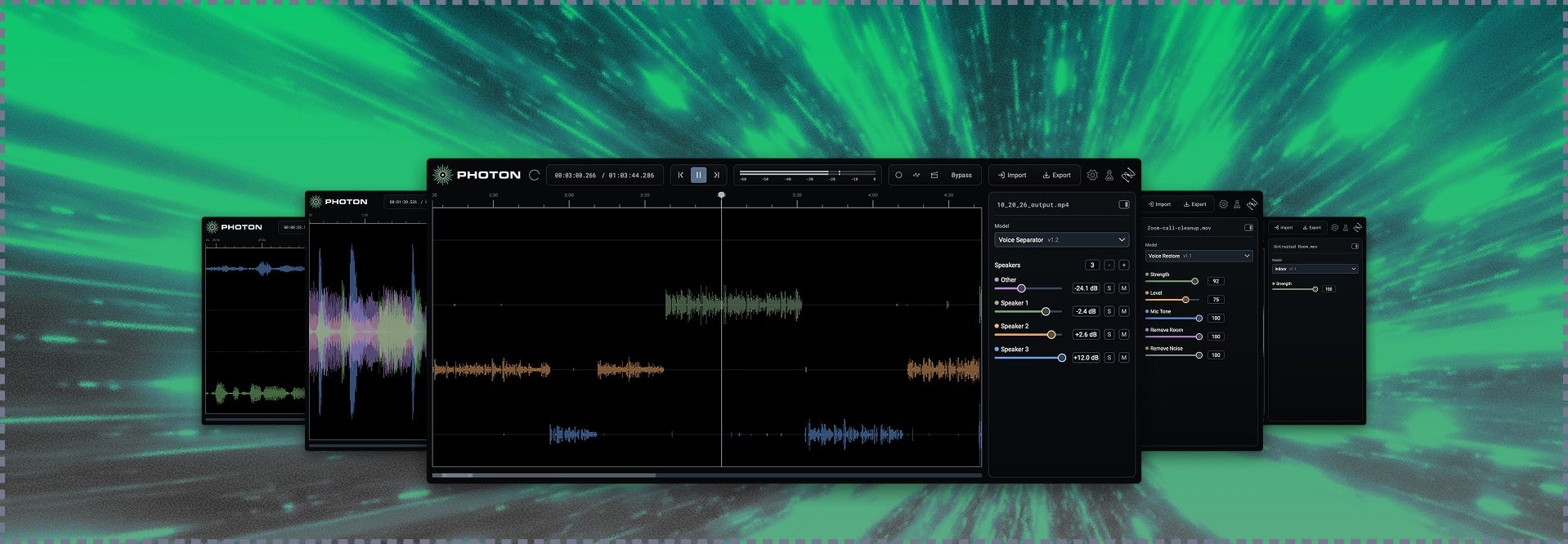
Photon is a standalone app and ARA plugin for AI stem separation and audio cleanup. It’s powered by 12 custom-trained machine learning models that run right on your GPU. That means there’s nothing to upload, no usage cutoffs and no waiting in a queue. Split stems, clear out noise, even out levels, and pull apart conversations with up to six people talking.
When you need to get in, get it done, and get out, Photon’s got you.
Already an iZotope customer? Your deal is waiting. Log in to your iZotope account to unlock exclusive crossgrade pricing on Photon. Offer ends December 7, 2026.
Split any finished file into stems
Drop in any audio or video file and break it into the pieces you need: music, voice, sound effects, individual instruments, even individual speakers. There’s no session to set up. Pick a model, keep what you want, mute what you don’t, and export the rest.
- Music 4 Stems: Got a finished song but no session files? Split it into vocals, drums, bass, and everything else. Use Music 4 Stems for quick tweaks, or grab Music 4 Stems Ultra for sharper separation when a stem needs to hold up on its own. It’s perfect for remixes and rebalances.
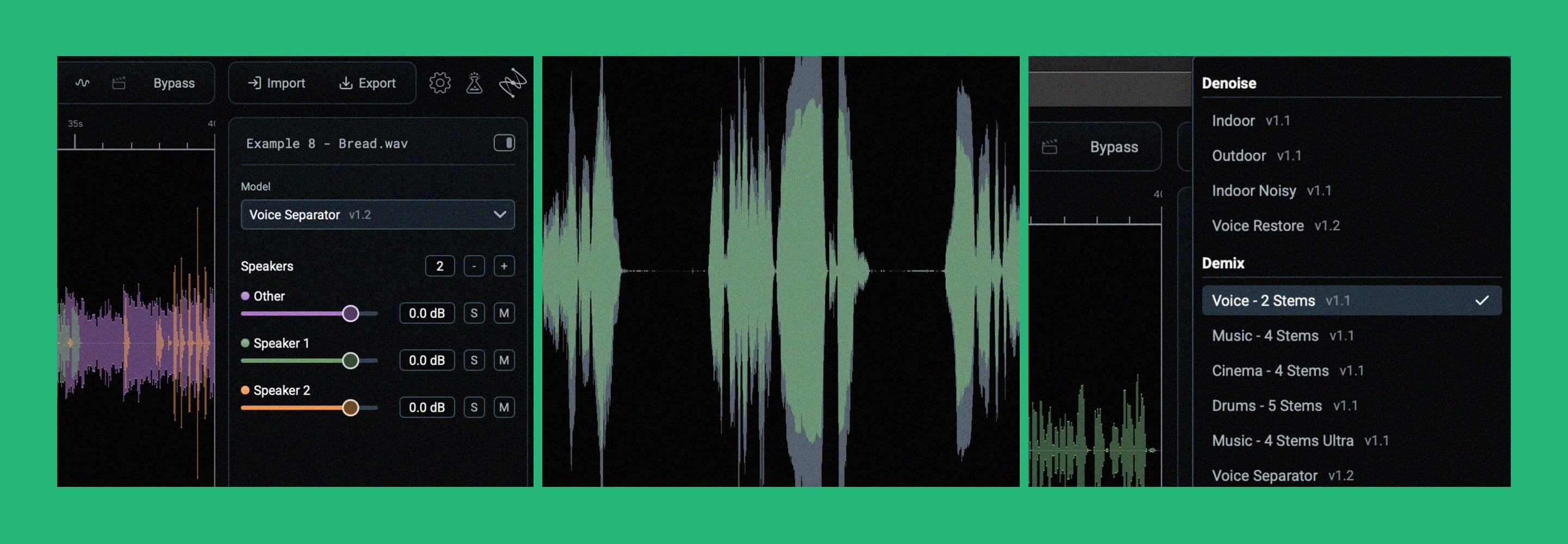
- Voice Separator: People talking over each other? Voice Separator splits up to six voices into their own stems, plus room tone and background, so you can finally untangle the conversation in an exported stereo file.
- Cinema 4 Stems: Split any video or audio file into voice, music, sound effects, and other elements. It’s handy for replacing music when a license runs out, pulling out quotes, and localizing video for foreign language versions.
- Drums 5 Stems: Found the perfect snare to sample? Kicks not hitting hard enough? Break the kit into kick, snare, hi-hat, toms, and cymbals, from a drum bus or a full song.
- Voice 2 Stems: Split any track into voice and music, then blend them however you like. It’s great for karaoke mixes or pulling music out from under your content.
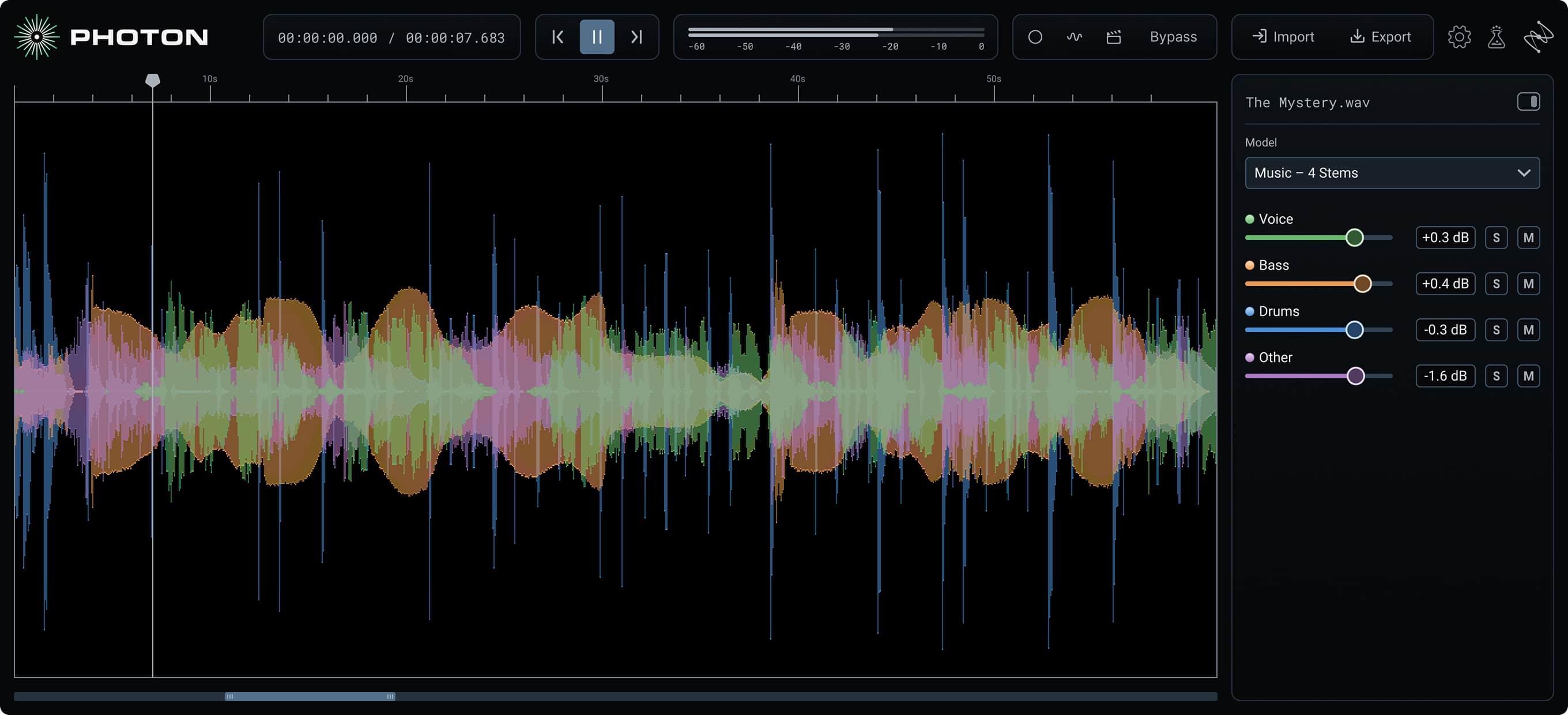 iZotope Photon Music 4 Stems
Clean up audio from anywhere you hit record
Real-world audio is rarely perfect. Echoey rooms, rush-hour traffic, wind and tinny phone calls all sneak in. Photon’s cleanup models are named after the problem you’re actually dealing with, so you don’t have to work out what to fix. Pick the model that matches, set the strength, and Photon handles the rest, evening out levels and bringing voices forward along the way.
- Voice Restore: Podcast guest sitting halfway across the room? Livestream mic sounding muffled? Voice Restore cleans up noise, levels, mic tone, and echo so every word comes through clearly.
- Indoor and Indoor Noisy: Indoor clears out the noise and echo. For loud spaces like factory floors or busy event halls, reach for Indoor Noisy.
- Outdoor, Outdoor Traffic, and Outdoor Wind: Shooting outside? Outdoor handles general background noise. Outdoor Traffic is trained on traffic and city noise. Outdoor Wind is built for real gusts on rooftops and coastlines, not just a light breeze.
The Indoor and Outdoor models do more than remove noise. They also even out levels and enhance voices automatically, so dialogue comes out clean and clear. They’re built for fast processing too, so you can preview, tweak, and export in a flash, even on long recordings.
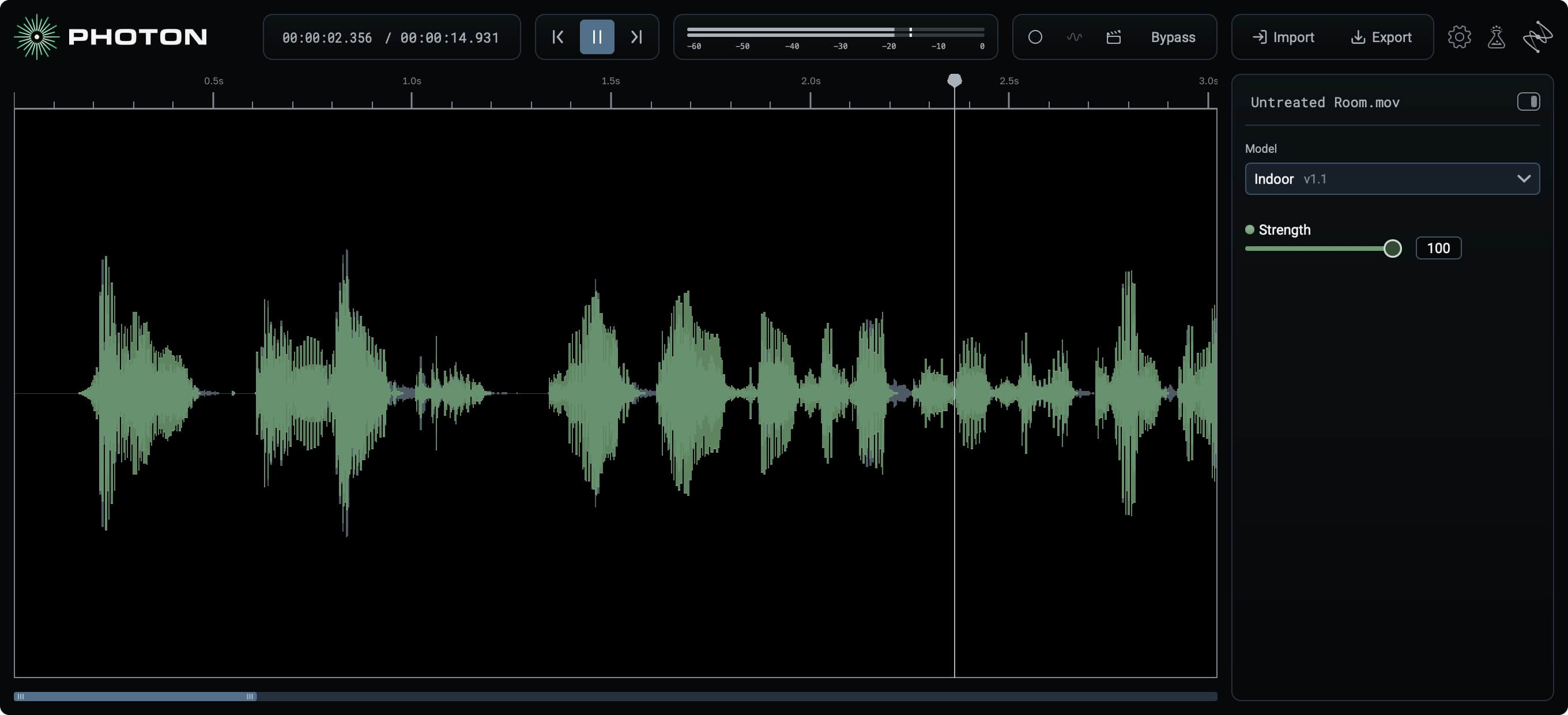 iZotope Photon Indoor model
Hear it before you commit
Jump to any spot in your file and Photon starts processing right there, so you’ll hear results in seconds. Not quite right? Nudge the strength, listen again, or try another model. There’s no session to build and no sitting around waiting.
Integrate Photon seamlessly into your workflow
Photon fits into the way you already work, whether you live in a DAW or spend your days in a video timeline.
In your DAW: The Photon ARA plugin puts the full Photon engine right on your timeline in Pro Tools, Sequoia, Samplitude, REAPER, Cubase, and other ARA2 hosts. Since ARA gives Photon the whole clip, it can use the full context of your audio. Stack several models, flip between them to compare, and keep the session moving.
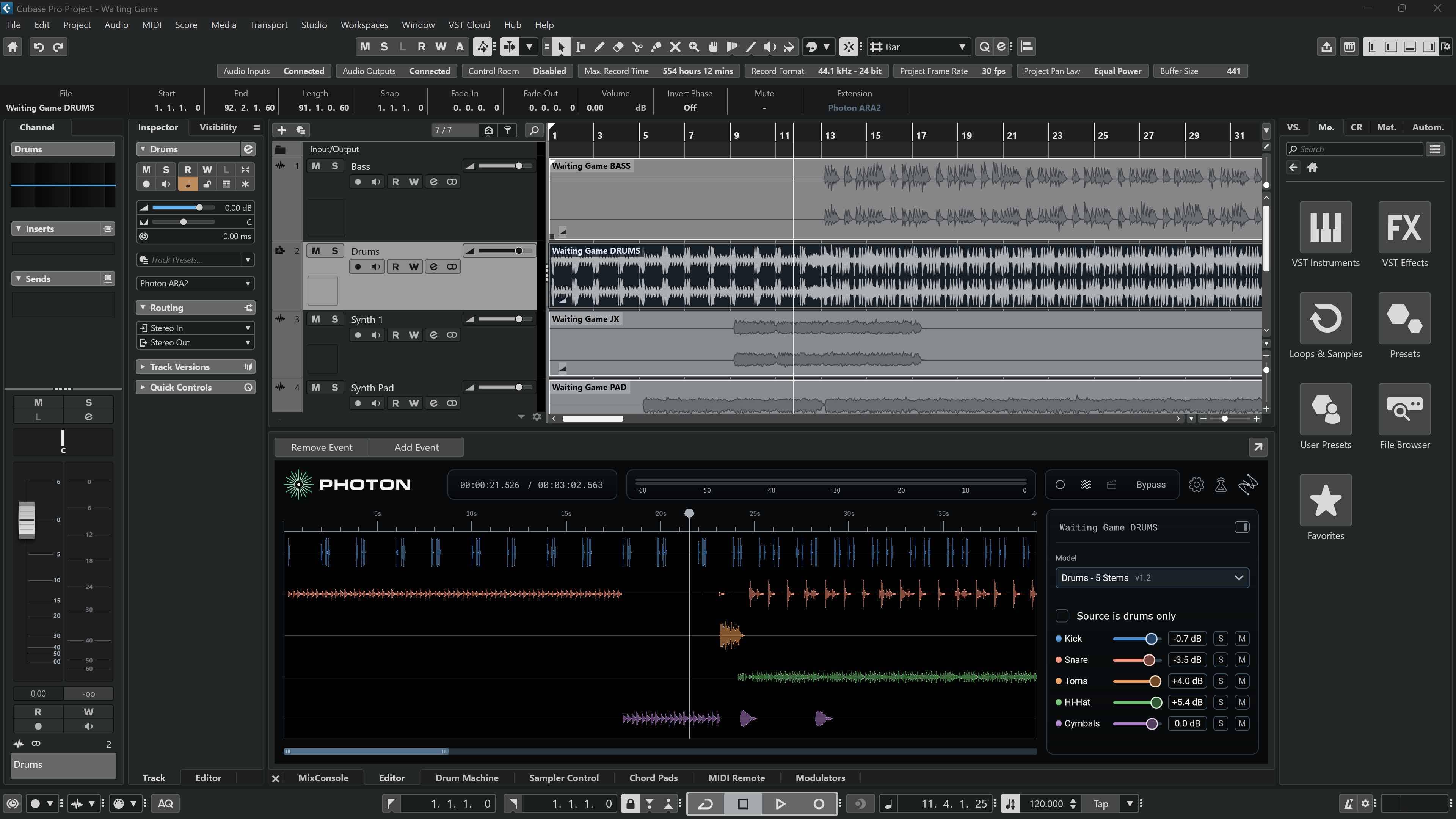 iZotope Photon in Cubase
With your video files: Drop your MP4, MOV, MKV, MXF, or MPG file straight into the Photon app. Clean up the dialogue, split out the music, or fix the noise, then export a new video file with the processed audio and your original picture untouched. ProRes files are supported too. There’s no extracting audio, no round-tipping, and no re-syncing, so you can go from upload to export without leaving Photon.
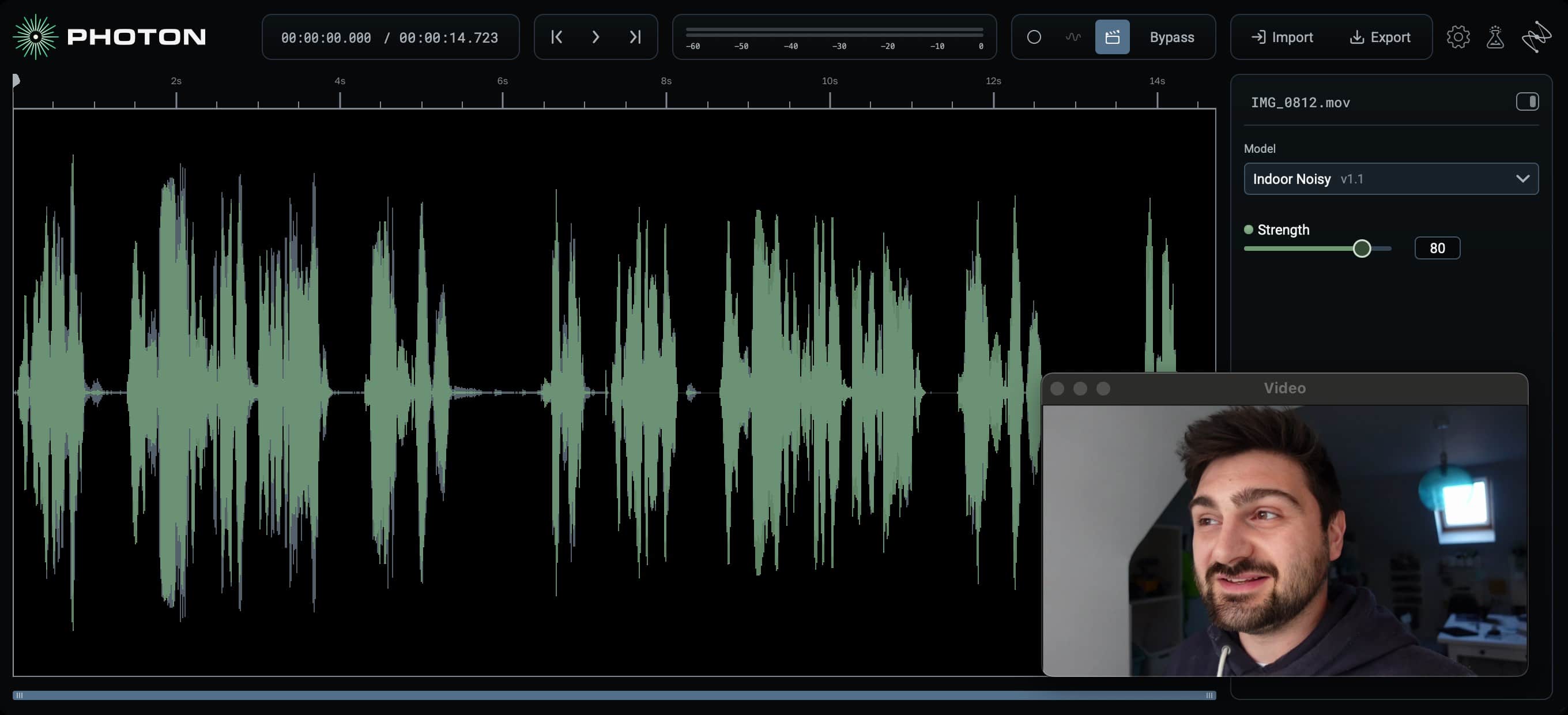 Working with a video file in iZotope Photon
No uploading to the cloud required
Everything Photon does happens on your own computer, powered by your GPU. Your audio never leaves your machine, which matters a lot when you’re working on embargoed material or files that aren’t yours to upload. No queue, no cutoffs, no interruptions.
Grow your toolkit with the Model Manager
Photon keeps growing. New and upgraded models show up in the Model Manager as they’re released, and you can download them and try them on whatever you’re working on right now. No reinstall required.
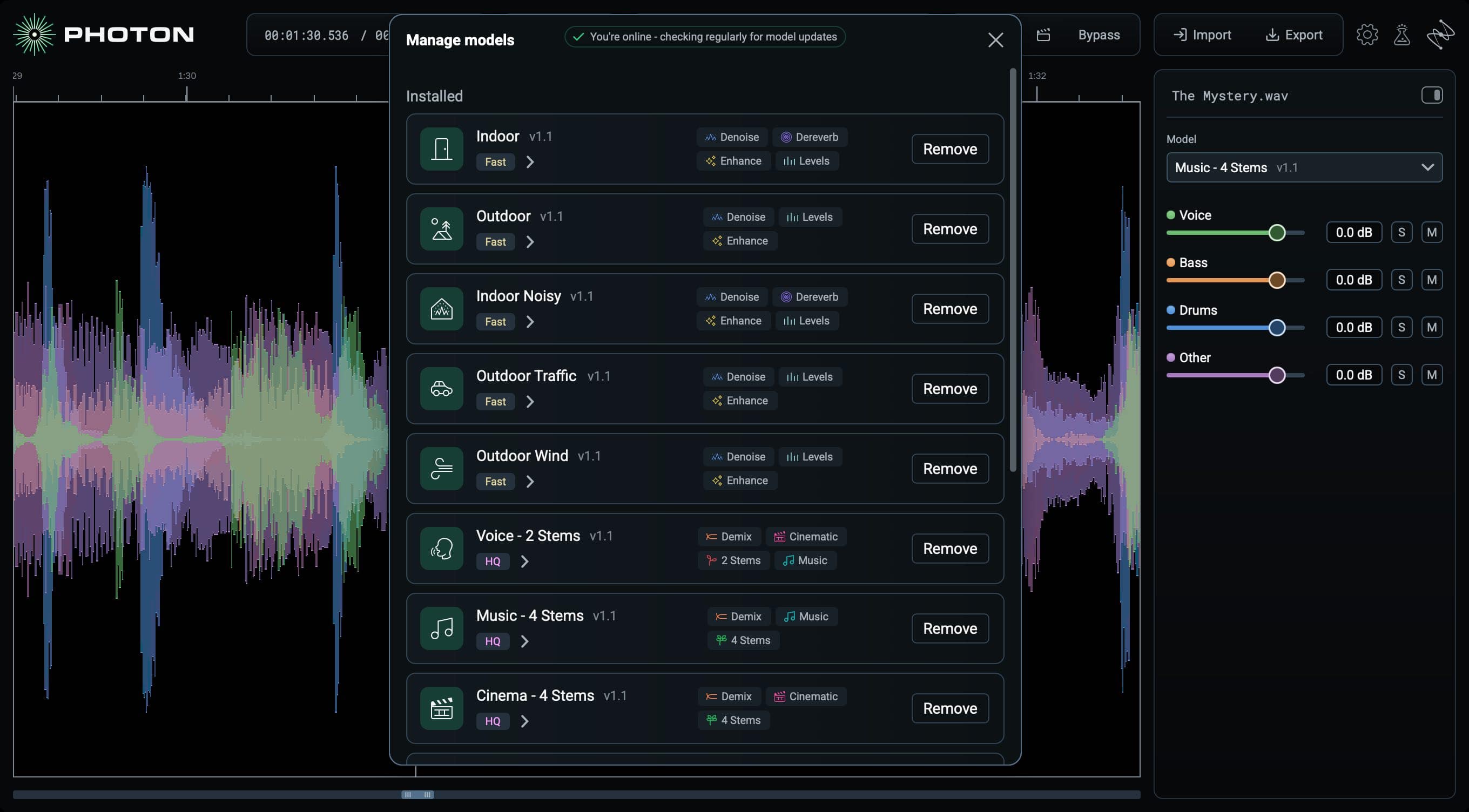 iZotope Photon Model Manager
Two teams, one cutting-edge tool
Photon is the first joint research project from iZotope and Boris FX. It brings the expertise of two audio teams together, sharing tech so we can go further, faster.
How Photon and RX work together
| Step | Reach for | What you’re doing |
|---|---|---|
| Get production-ready audio | iZotope Photon | Drop in a finished file, split stems or clean up the whole recording, and hear results right away. Deliverable audio, no session required. |
| Fix the tricky moments by hand | iZotope RX | Zoom in on the spectrogram to fix one-off problems, like a cough under a line, a phone ring, or a squeaky chair, by selecting exactly the sound you want gone. |
If you already use RX, Photon is designed to sit right alongside it. Think paint roller and paintbrushes: grab Photon when you want to cover a lot of ground quickly, and RX when you need precise detail work. Each has its own models, so use whichever fits the job in front of you, or both.
Current iZotope customers: log in for exclusive deals
If you own any paid iZotope product, there’s a Photon deal waiting for you. Log in to your iZotope account to see your exclusive crossgrade price. And if you own any version of RX, you’ll get our deepest crossgrade discounts.
Go from deadline to done with iZotope Photon
Whether you’re cutting a scene, prepping a remix, building a DJ edit, or polishing this week’s podcast, Photon gets you to ready-to-send audio, fast. No uploads to wait on, no sessions to build. Just drop it in, dial it in, and deliver.
System requirements: macOS 14 or later on Apple silicon (M1 or later), or Windows 10 or later (64-bit) with a GPU with at least 4 GB VRAM. 16 GB RAM recommended.
FAQs
What is iZotope Photon?
iZotope Photon is a standalone app and ARA plugin for AI stem separation and noise reduction. It uses custom-trained machine learning models that run locally on your GPU to split stems, remove background noise, balance levels, and isolate voices, even in conversations with up to six speakers.
How do I split a song into stems?
Drop the song into Photon and choose Music 4 Stems. Photon splits it into vocals, drums, bass, and other elements. For extra-clean stems you want to use on their own, try Music 4 Stems Ultra. You can also split a drum kit into kick, snare, hi-hat, toms, and cymbals with Drums 5 Stems, or pull out just the vocal or instrumental with Voice 2 Stems.
How do I remove background noise from a video?
Open the video file in Photon and start with Voice Restore. It handles background noise, uneven levels, mic tone, and echo, and you can tune it so every word comes through clearly. Set the strength, preview the result, and export. Photon can write the processed audio back to your video file, keeping the original video stream.
Need a quick fix? The Indoor, Indoor Noisy, Outdoor, Outdoor Traffic, and Outdoor Wind models are built for fast processing. Pick the one that matches where you recorded and you’ll have results in seconds.
Can I separate two people recorded on one mic?
Yes. Voice Separator splits a recording into individual stems for up to six speakers, plus room tone and background. It’s great for podcasts, interviews, and panel recordings where everyone shared a mic or ended up in one audio file.
Can I remove music from a video I already exported?
Yes. Cinema 4 Stems splits any finished video or audio file into voice, music, sound effects, and other elements. Mute or swap out the music and keep the dialogue, without going back to the original project.
Does Photon upload my audio to the cloud?
No. Everything is processed locally on your computer’s GPU, and your files never leave your machine. That means no uploads, no cutoffs, and no interruptions. An internet connection is only needed to download new models through the Model Manager.
What is ARA, and which DAWs does Photon work in?
ARA (Audio Random Access) lets a plugin see the whole audio clip instead of processing it in real time, so Photon can work with the full context of your file. The Photon ARA plugin works in Pro Tools, REAPER, Cubase, and other ARA2 hosts, plus Sequoia and Samplitude on Windows. And if you don't work in any of these DAWs, you can still use the Photon standalone application on Mac or Windows.
What file types does Photon support?
Photon opens WAV, MP3, FLAC, AIFF, AAC, M4A, MP4, MKV, MOV, MXF, and MPG files. It exports WAV, FLAC, and MP3, or video in the same format as the source with the original video stream kept.
Is Photon part of iZotope RX?
No. Photon is a standalone iZotope product that sits next to RX, with its own models and its own development team. Reach for whichever one serves the kind of work you need to do, whether it calls for Photon’s drop-and-go flow or RX’s surgical control. Use Photon to get solid results fast, and RX for detailed, spectrogram-based work.
I already own an iZotope product. Is there a deal for me?
Yes. If you own any paid iZotope product, log in to your iZotope account to see your exclusive crossgrade price on Photon.
What is Boris FX Hub, and why do I need it?
Boris FX Hub is the free app you use to install and activate iZotope Photon. You buy Photon on iZotope.com, and Boris FX Hub delivers it to your computer. After you buy, your order confirmation page and email will link you to download Boris FX Hub. Open it, enter your Photon activation key, and sign in with your iZotope account details to install Photon.
Where do I find my Photon activation key?
Your activation key is in your order confirmation email and in your iZotope account. Copy it from there and paste it into Boris FX Hub when prompted.