

$499.00

Reach every track's potential with 20 professional mastering plugins


Chris Gehringer, Latin GRAMMY-nominated Mastering Engineer (Dua Lipa, Rihanna, Drake, Lady Gaga)


Why Ozone?

All you need, all in one place

Intelligent tech for any workflow

Advanced DSP for premium results
What's new in Ozone 12?

Lock in your low end, reshape your balance, and revive crushed mixes

Save time with AI-powered flows that keep you in the driver's seat

Achieve louder, cleaner masters without the typical tradeoffs

Mastering made for everyone

AI tech that guides, not decides

The cutting-edge of mastering tech
Trusted by creators worldwide

Signal Processing Software

Favorite Mastering

Best Software Plugin

Ozone 12, included in iZotope subscription
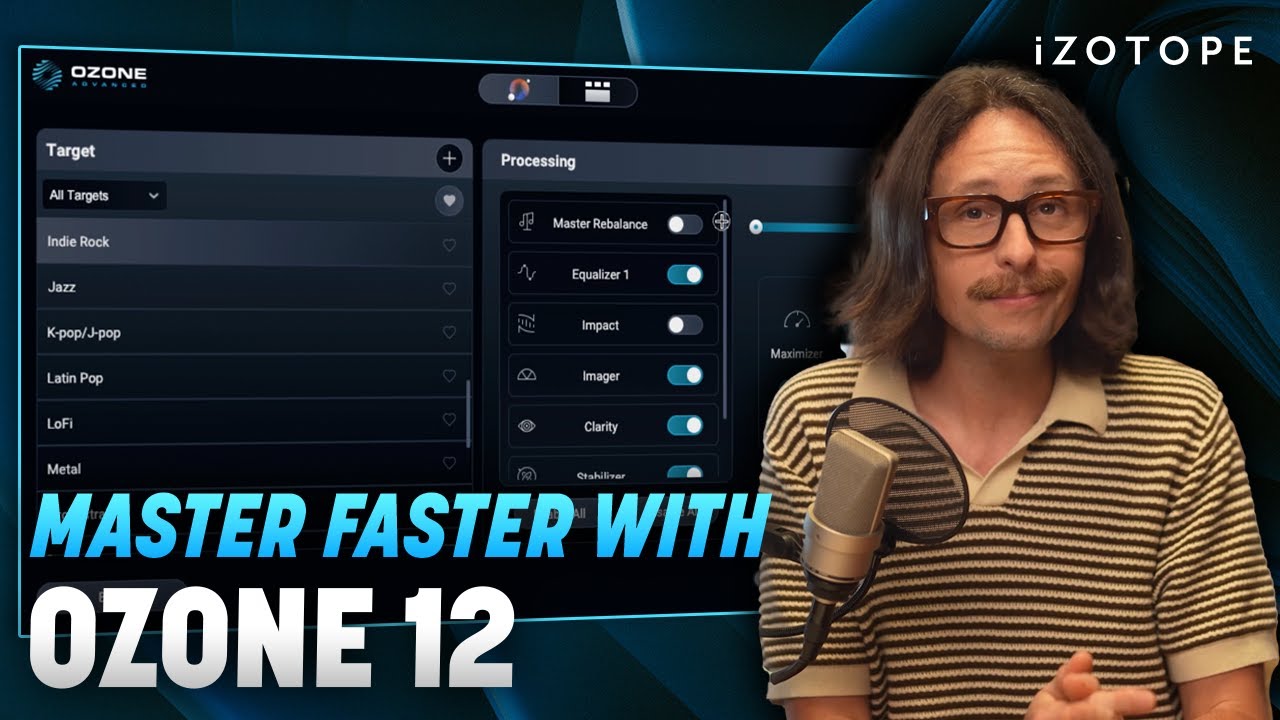
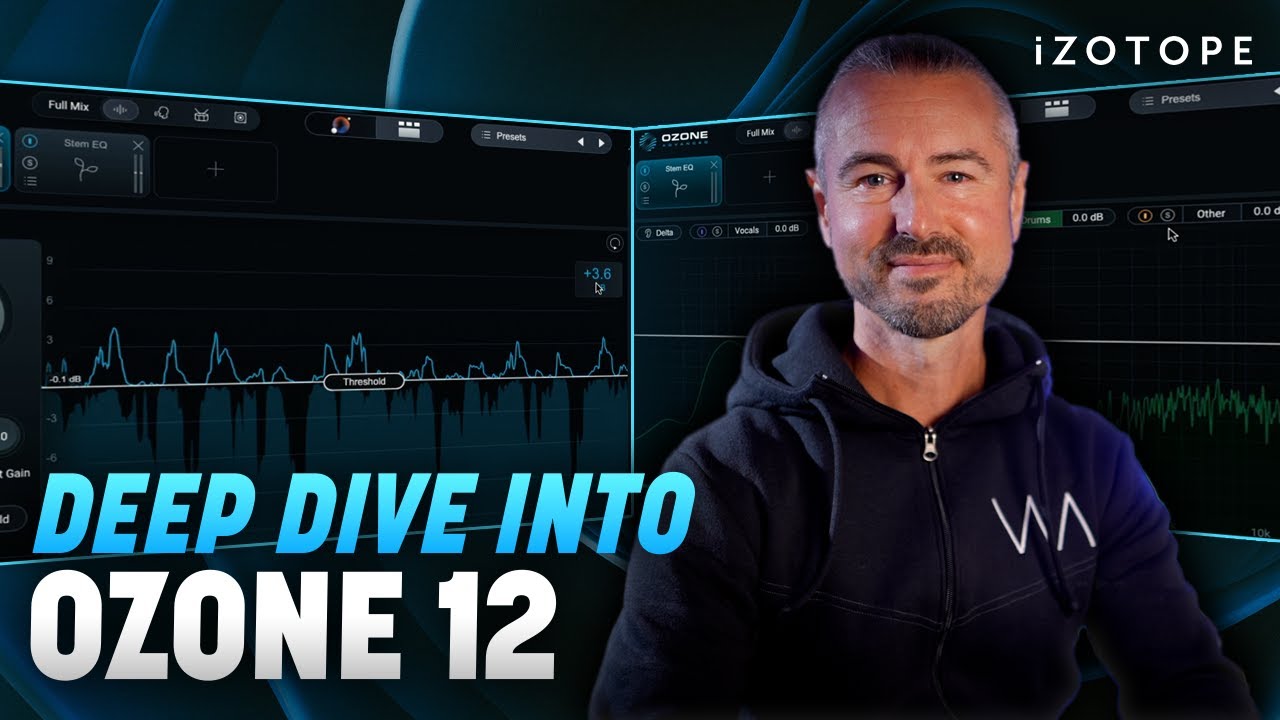


Every mastering plugin you need in one intuitive suite
NEW: Stem EQ

NEW: Bass Control

NEW: Unlimiter

NEW: Custom Master Assistant flow

NEW: IRC 5 limiting algorithm

And more...
Core plugins/modules

NEW! Stem EQ

NEW! Bass Control

NEW! Unlimiter

Clarity
![Maximizer [NEW! IRC 5]](http://www.izotope.com/cdn/shop/files/4e1b4e5745ff-Ozone-12-Features-2e-Maximizer.png?v=1775843580&width=3840)
Maximizer [NEW! IRC 5]

Equalizer

Impact
![Stabilizer [NEW! +25 targets]](http://www.izotope.com/cdn/shop/files/3ffcfc13d845-Ozone-12-Features-2h-Stabilizer.png?v=1775843580&width=3840)
Stabilizer [NEW! +25 targets]

Imager

Match EQ

Master Rebalance

Low End Focus

Spectral Shaper

Dynamic EQ

Exciter

Dynamics

Vintage Tape

Vintage Compressor

Vintage Limiter

Vintage EQ
Other features & utilities

Master Assistant View

Custom Assistant flow

Stem Focus

Track Referencing

Transient/Sustain modes

Assistive Vocal Balance

Dither

Codec Preview

iZotope Relay
Which edition of Ozone is right for you?


Compare Editions: Ozone Plugins/Modules
| Ozone 12 Elements | Ozone 12 Standard | Ozone 12 Advanced | |
|---|---|---|---|
| Master Assistant: Custom Flow [NEW] | ✓ | ✓ | ✓ |
| Master Assistant: Assistant View | ✓ | ✓ | ✓ |
| Modules available as separate plugins | ✓ | ||
| Bass Control [NEW] | ✓ | ✓ | |
| Clarity | ✓ | ||
| Dynamic EQ | ✓ | ✓ | |
| Dynamics | ✓ | ✓ | |
| Equalizer | ✓ | ✓ | |
| Exciter | ✓ | ✓ | |
| Imager | ✓ | ✓ | |
| Impact | ✓ | ||
| Low End Focus | ✓ | ||
| Master Rebalance | ✓ | ✓ | |
| Match EQ | ✓ | ✓ | |
| Maximizer | ✓ | ✓ | |
| Spectral Shaper | ✓ | ||
| Stabilizer [IMPROVED] | ✓ | ✓ | |
| Stem EQ [NEW] | ✓ | ||
| Unlimiter [NEW] | ✓ | ||
| Vintage Compressor | ✓ | ✓ | |
| Vintage EQ | ✓ | ✓ | |
| Vintage Limiter | ✓ | ✓ | |
| Vintage Tape | ✓ | ✓ |
Compare Editions: Additional features
| Ozone 12 Elements | Ozone 12 Standard | Ozone 12 Advanced | |
|---|---|---|---|
| Bonus Plugin: Relay | ✓ | ||
| Assistive Vocal Balance | ✓ | ✓ | ✓ |
| Codec Preview | ✓ | ||
| Delta buttons in all modules | ✓ | ✓ | |
| Dither | ✓ | ✓ | |
| Improved interface design | ✓ | ✓ | ✓ |
| Stem Focus [IMPROVED] | ✓ | ||
| Track Referencing | ✓ | ✓ | |
| Transient/Sustain channel modes | ✓ | ✓ |
Compare versions of Ozone Elements
| Ozone 10 Elements | Ozone 11 Elements | Ozone 12 Elements |
|---|---|---|
| Assistant: New width matching | Assistive Vocal Balance | Assistant: Custom Flow |
| Assistant: Improved tone matching | ||
| Assistant: Improved reference matching | ||
| Assistant: Improved destination |
Compare versions of Ozone Standard
| Ozone 10 Standard | Ozone 11 Standard | Ozone 12 Standard |
|---|---|---|
| Everything in Ozone 9 Standard | Everything in Ozone 10 Standard | Everything in Ozone 11 Standard |
| Maximizer: Soft Clip | Transient/Sustain Channel Modes | Bass Control |
| Imager: Side Recovery | Maximizer: Upward Compress | Stabilizer: 25 new genre targets |
| Delta Buttons | Maximizer: IRC 5 Limiting Mode |
Compare versions of Ozone Advanced
| Ozone 10 Advanced | Ozone 11 Advanced | Ozone 12 Advanced |
|---|---|---|
| Everything in Ozone 9 Advanced | Everything in Ozone 10 Advanced | Everything in Ozone 11 Advanced |
| Stabilizer | Clarity | Stem EQ |
| Impact | Stem Focus | Unlimiter |
| Stem Focus: Improved Neural Nets |


Ozone 12 Advanced at a glance
| Key Highlights | Next-Gen Master Assistant, Stem Focus Processing, Advanced Match EQ, Clarity Module |
|---|---|
| System Compatibility | macOS (Native Apple Silicon) & Windows 10/11 |
| Supported Formats | AU, AAX, VST3 (64-bit only) |
| Learn the Basics | View the Ozone 12 User Guide |
| Try Before You Buy | Start Your 10-Day Free Trial |
