

No Score, All Sound: a Conversation with 'Roma' Sound and Dialogue Editors
Roma is a landmark achievement for director Alfonso Cuarón, who has already established himself as the master of modern realism in film. We spoke with...

Roma is a landmark achievement for director Alfonso Cuarón, who has already established himself as the master of modern realism in film. We spoke with...
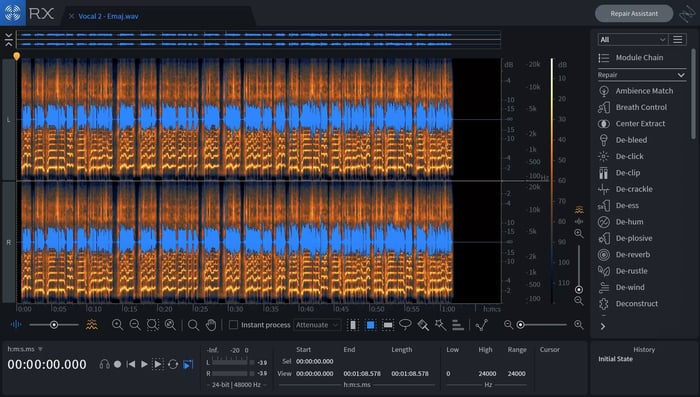
Lossy compression formats like mp3 and AAC are known to create artifacts such as clipping. In order to avoid clipping, it is typically recommended to lower...

As traditional radio reporting is shifting more and more to podcasts, we’ve seen a proliferation of startup companies and broadcast organization...

Welcome back! You’ve made it to the final episode of our audio post-production series. So far, we’ve talked about the kind of work that’s...
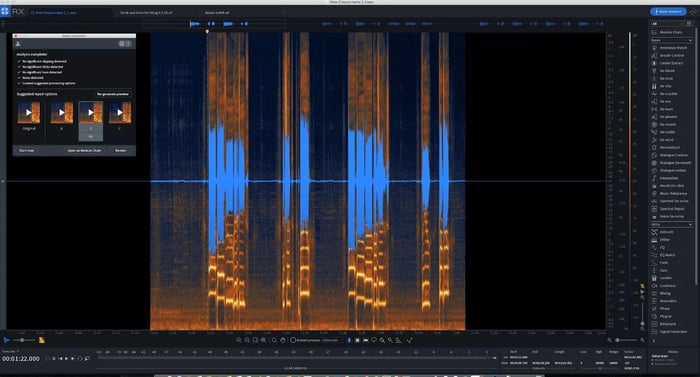
With more recordings being created in sub-optimal spaces, audio restoration is becoming essential to the editing and mixing processes. This means there...
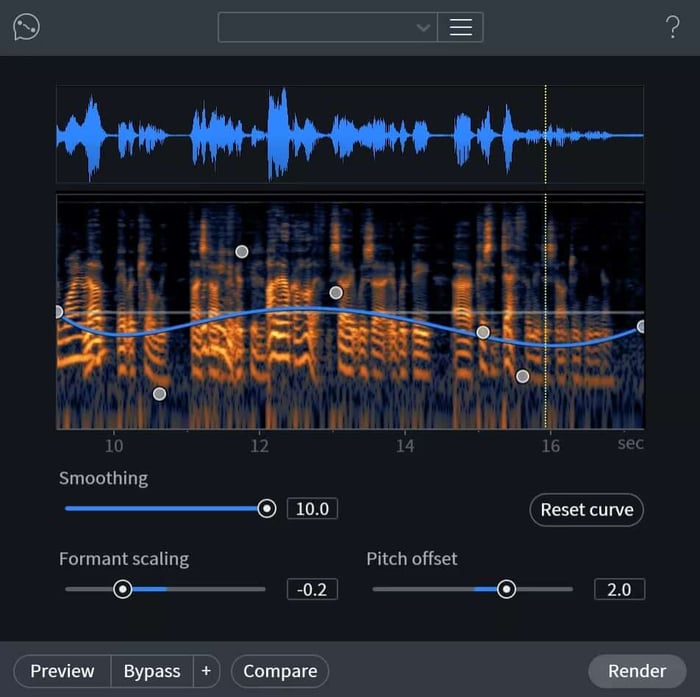
At iZotope our mission is to enable you to be creative. Our tools aim to streamline your workflow and solve common audio problems so you can focus on...

Using RX 7, it’s quicker and easier than ever to fix the problems that plague your musical performances. Learn how to use RX 7 for music, and...

Welcome to Part 3 of our Mixing Audio for Video series! As you may recall, Part 1 and Part 2 dealt with the basics of audio post production, terminology,...

RX 7 features groundbreaking new ways to quickly and easily fix and manipulate audio. Learn about some of these features and discover why RX continues...
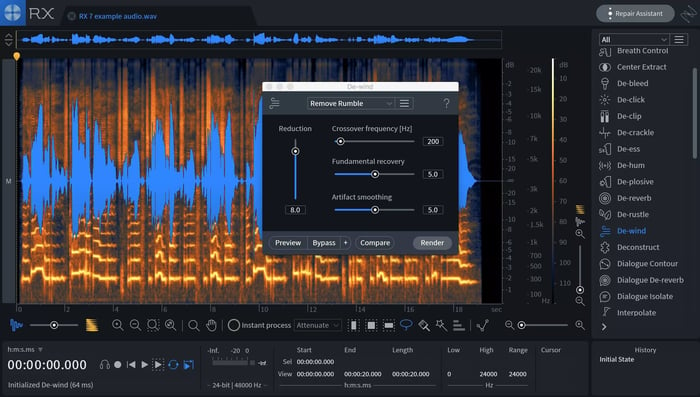
Wind rumble can be a frustrating noise to remove from dialogue. The De-wind module in RX 7 makes removing intermittent low frequency wind rumble from...
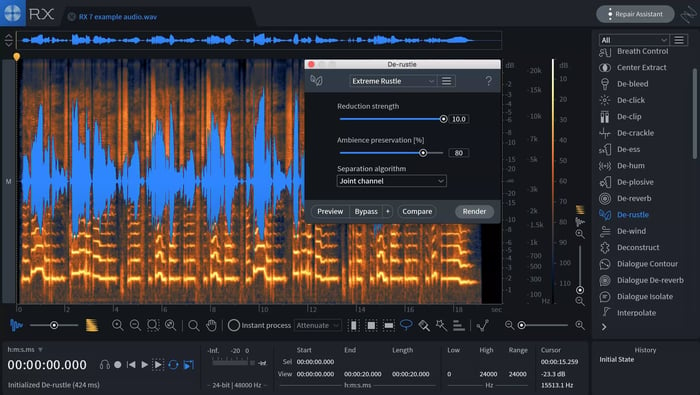
Developed with machine learning, De-rustle allows you to remove even the most extreme lavalier microphone rustle from dialogue with a single click—an industry...
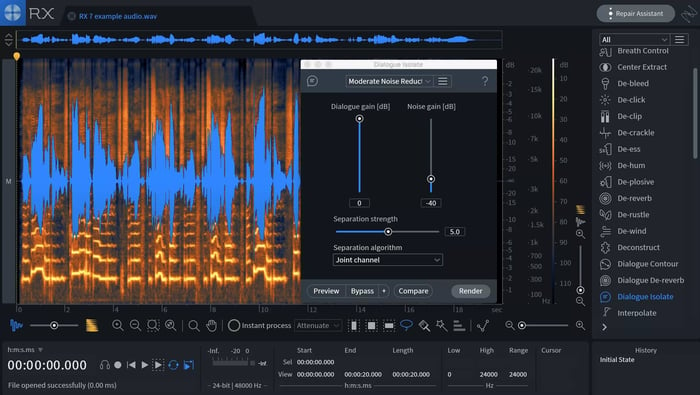
Developed with machine learning, the Dialogue Isolate module in RX 7 extracts dialogue from noisy environments with complex background sounds such as clanging...
